

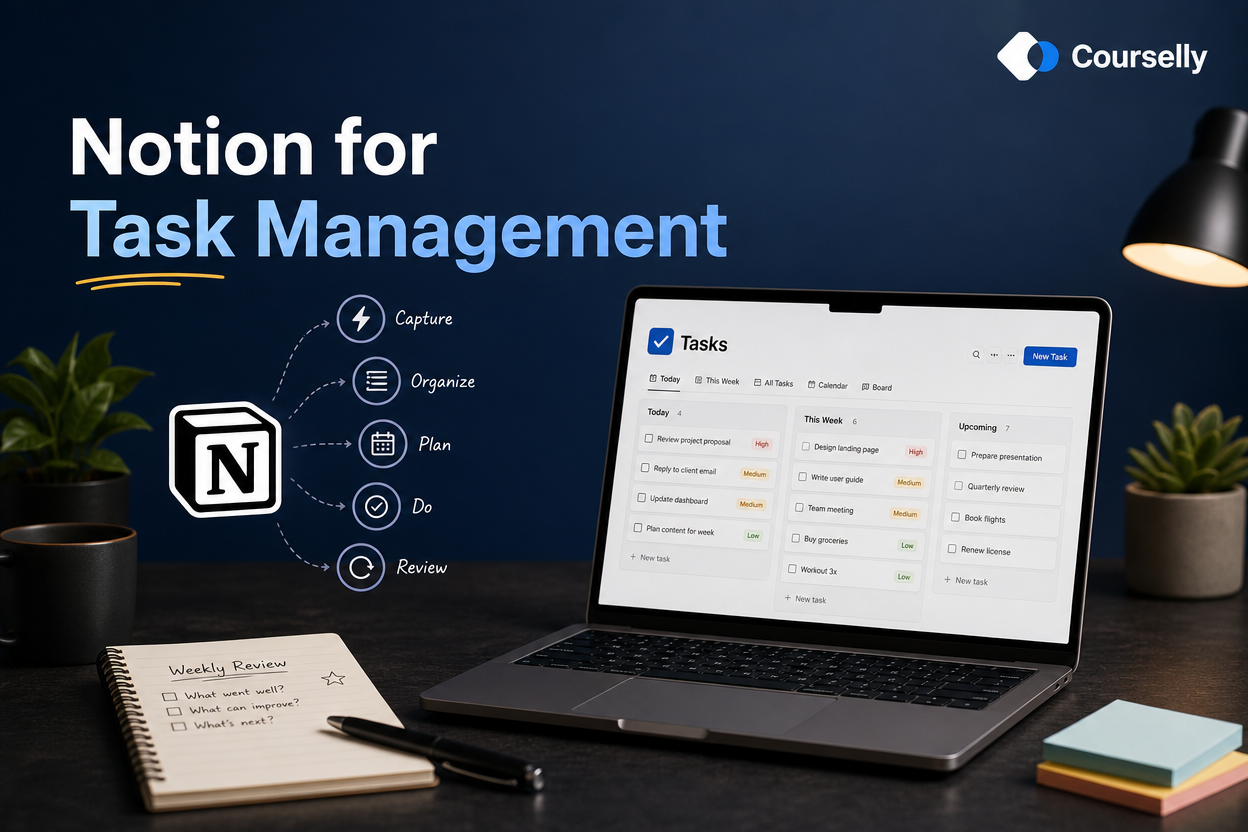
Notion for Task Management
In this course, you'll build a complete task management system in Notion — one that captures everything, surfaces what matters, and actually gets used long-term. From quick capture to weekly reviews, this is the working system, not the impressive setup.
About this course
Most people who try to manage tasks in Notion fail in the same way: they build something elaborate, use it for two weeks, abandon it. They go back to sticky notes, dedicated apps, or just keeping things in their head. The problem isn’t Notion — it’s that they built a beautiful system instead of a working one.
This course is about the working version. You’ll build a complete task management system in Notion that captures every task in seconds, surfaces what you need today and this week, supports your real workflow (not someone else’s productivity philosophy), and survives long-term because it has built-in maintenance.
We cover the full system: how to capture tasks fast, how to organize them with the right amount of structure (and not more), how to plan your day and week, how to handle recurring tasks, how to connect tasks to projects, how to do a real weekly review that takes 20 minutes instead of 2 hours. Every part of the system is designed for daily use, not screenshots.
This course is the natural follow-up to “Notion Basics.” It assumes you understand pages, blocks, databases, properties, and views. If those concepts feel new, start with Notion Basics first. By the end of this course, you’ll have a task system that actually works — and the principles to maintain it for years.
Who is this course for?
This course is designed for:
People who’ve learned Notion basics and want to build a real task management system in it
Anyone who’s tried task management in Notion before and quit because the system felt too heavy
Professionals juggling tasks across multiple projects and contexts
Freelancers and solopreneurs who need to track work without becoming an admin clerk
Students managing assignments, deadlines, and personal commitments
Anyone tired of switching between todo apps because each fails for different reasons
You should have completed “Notion Basics” or be comfortable with Notion’s core concepts: pages, blocks, databases, properties, views, templates. If those are still unfamiliar, take Notion Basics first.
How does the learning work?
This course is structured to build a working system, not collect features:
Step-by-step build (10–14 minutes per lesson)
Each lesson adds one specific piece to your task system. By the end, you have a complete, working setup.
Build along, not just learn
Have Notion open while you take the course. Each lesson includes specific things to build or configure in your own workspace.
Realistic expectations
We cover what works in daily use — not what looks impressive. Simple structures used consistently beat elaborate ones used occasionally.
System over features
You’ll learn how the pieces fit together: capture, planning, execution, review. Each piece supports the others.
Long-term sustainability
The final module covers maintenance, common breakdowns, and how to keep the system alive for years — not just weeks.
What will you learn in this course?
Courses You might be interested in
Notion Basics
In this course, you'll learn how to use Notion from scratch — understanding the core building blocks, creating your first useful pages, and setting up a system that actually fits...
Automation Basics (Zapier / Make)
In this course, you'll learn how to connect the tools you already use — Notion, email, Slack, calendars, spreadsheets — to automate repetitive work using Zapier and Make. No...