

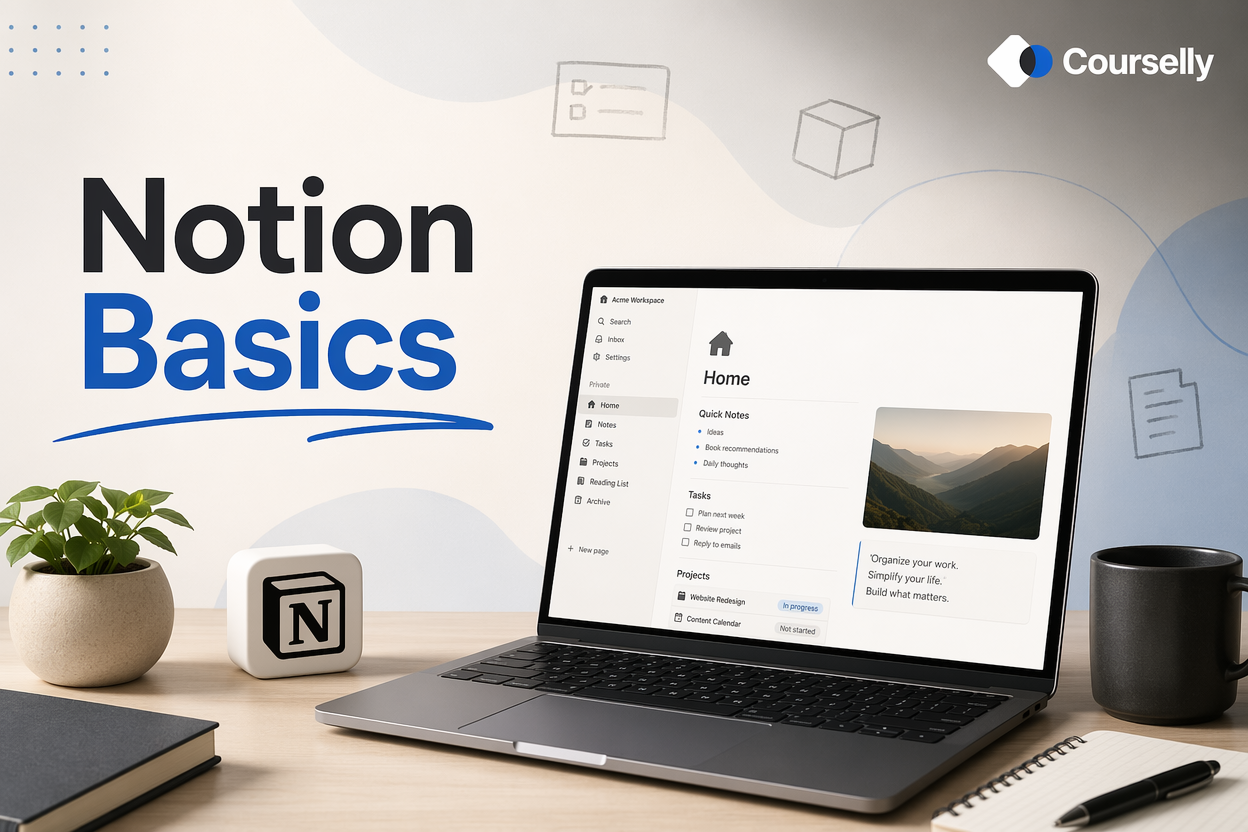
Notion Basics
In this course, you'll learn how to use Notion from scratch — understanding the core building blocks, creating your first useful pages, and setting up a system that actually fits how you work.
About this course
Notion is one of the most flexible productivity tools available — and one of the most overwhelming. Open it for the first time and you face a blank page that can become almost anything: a notebook, a task manager, a project tracker, a wiki, a database, a website. That flexibility is both Notion’s strength and its biggest barrier to entry. Most people who try Notion either give up within a week or spend months building elaborate setups they don’t actually use.
This course solves that. You’ll learn the foundational concepts that make Notion click — blocks, pages, databases, properties, views — in the simplest possible way. We start with what Notion actually is, walk through the interface step by step, and build practical setups you’ll genuinely use: a personal notes system, a basic task list, a reading log, and a simple project tracker.
We focus on what’s useful, not what’s clever. You won’t learn complicated formulas or elaborate dashboards. You will learn the 80% of Notion that solves 95% of real problems — and you’ll learn it in a way that builds gradually instead of overwhelming you.
By the end, you’ll have a working Notion workspace tailored to your needs, the foundational skills to expand it over time, and the confidence to figure out new uses on your own. The next course in this series — Notion for Task Management — builds on this foundation.
Who is this course for?
This course is designed for:
People who’ve heard about Notion and want to actually learn it, not just read articles about it
Anyone who’s tried Notion before, felt overwhelmed, and gave up
Professionals looking for a flexible tool for notes, tasks, projects, or knowledge management
Students wanting to organize coursework, research, and personal projects
Freelancers and solopreneurs setting up a system for client and project management
Anyone tired of switching between 5+ apps for notes, tasks, and documents
You don’t need any prior Notion experience. You don’t need to be technical. If you can use a web browser and click around in a tool, you can learn Notion through this course.
How does the learning work?
This course is structured for hands-on learning:
Short lessons (8–12 minutes)
Each lesson covers one specific Notion skill or concept with clear, step-by-step guidance.
Build as you learn
After most lessons, you’ll do a small task in your own Notion workspace. The course is designed to be done WITH Notion open, not just read.
Practical examples
Every concept is taught with a real, useful example — not abstract demos. By the end, you’ll have a working personal Notion setup.
Common mistakes covered
We’ll cover what beginners typically do wrong, so you can avoid the most common frustration points.
Foundation for what’s next
This course is the base for the next one in the series (Notion for Task Management). Get the basics right here and the advanced topics will be much easier.
What will you learn in this course?
Courses You might be interested in
Automation Basics (Zapier / Make)
In this course, you'll learn how to connect the tools you already use — Notion, email, Slack, calendars, spreadsheets — to automate repetitive work using Zapier and Make. No...
Notion for Task Management
In this course, you'll build a complete task management system in Notion — one that captures everything, surfaces what matters, and actually gets used long-term. From quick...