

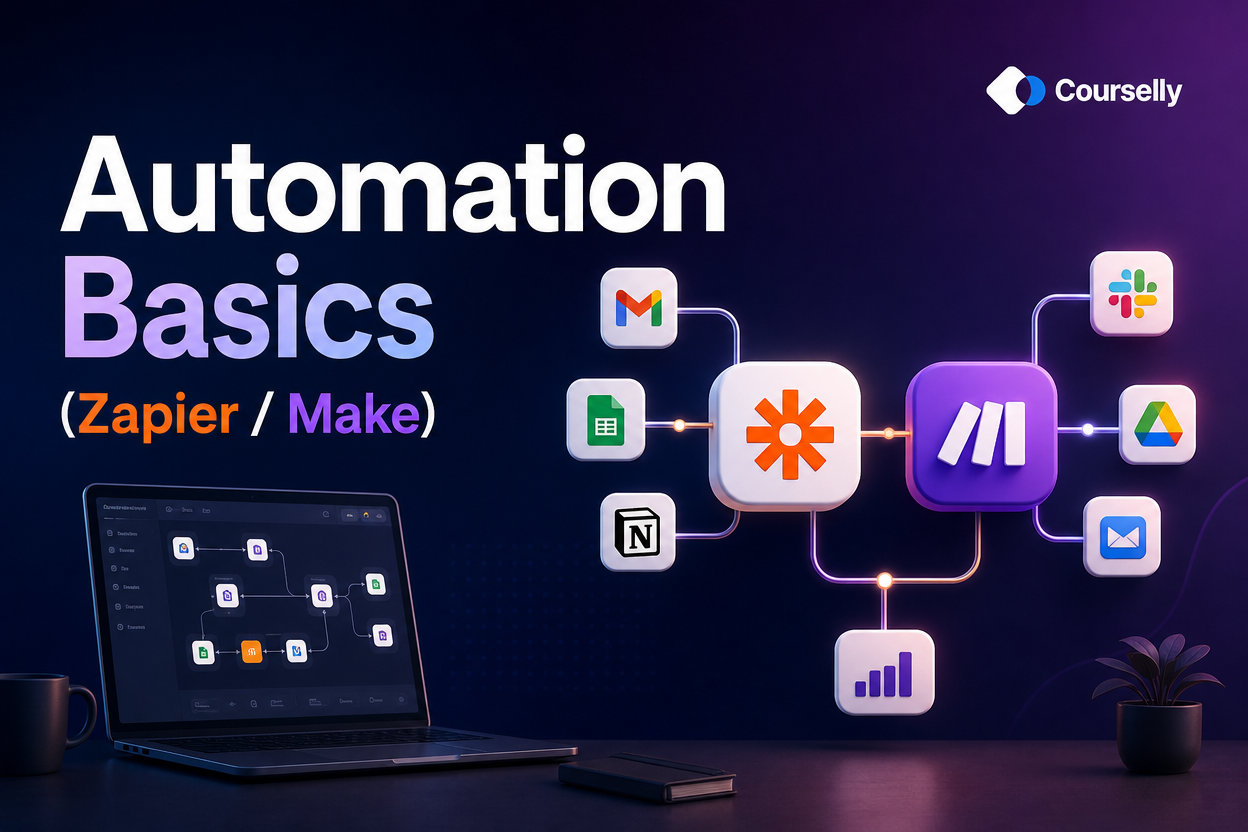
Automation Basics (Zapier / Make)
In this course, you'll learn how to connect the tools you already use — Notion, email, Slack, calendars, spreadsheets — to automate repetitive work using Zapier and Make. No coding required, just clear thinking about workflows.
About this course
Most professionals waste hours every week on repetitive tasks that machines could do — copying data from email into a spreadsheet, sending the same follow-up messages, posting content to multiple channels, generating reports from raw data. Automation tools like Zapier and Make let you eliminate this work without writing code.
This course teaches the practical skill of building automations that actually work. You’ll learn how to think about workflows, when to automate (and when NOT to), how to pick between Zapier and Make, how to build your first working automation, and how to handle the inevitable problems when automations break. Most importantly: you’ll learn realistic automation — practical workflows that save 1-5 hours per week, not elaborate setups that look impressive but cost more to maintain than they save.
We cover the foundations: triggers, actions, and the logic that connects them. We build real automations across common categories: lead capture, content publishing, data sync, notifications, and reporting. We address the reality of cost, complexity, and reliability. By the end, you’ll have built 3-5 working automations and have the skill to build more whenever you spot the right opportunity.
This is an Intermediate course. It assumes you have some experience with at least 2-3 of the tools you’ll be connecting (Notion, Google Sheets, Slack, email, etc.). You don’t need any technical background, just clear thinking about how your work flows.
Who is this course for?
This course is designed for:
Professionals tired of repetitive data entry, copy-pasting, and routine workflows
Freelancers and small business owners who can’t justify hiring help but can justify automation
Operations and admin people looking to scale their impact
Notion users who want to connect Notion with email, calendar, and other tools
Anyone who’s tried Zapier or Make casually and wants to use them seriously
Solopreneurs running businesses that need to feel bigger than one person
You should be comfortable using at least 2-3 common business tools (Gmail, Notion, Slack, Google Sheets, etc.). You don’t need any programming background. If you can fill out a form and click checkboxes, you can learn automation.
How does the learning work?
This course is structured to build real automations as you learn:
Hands-on lessons (10–15 minutes)
Each lesson teaches one specific concept or builds one working automation. You’ll have automation tools open as you watch.
Real examples, not demos
The automations we build are actually useful — the same ones you might keep running for years, not throwaway tutorial examples.
Both Zapier and Make covered
You’ll learn the universal concepts AND the specific differences. By the end, you’ll be able to choose between them for any given task.
Honest discussion of tradeoffs
Automation has real costs: monthly fees, maintenance time, debugging when things break. We discuss when automation is worth it and when manual work is actually better.
Practical roadmap
By the end, you’ll have a list of automations to build over the next 90 days based on YOUR specific work, with realistic time estimates and cost expectations.
What will you learn in this course?
Courses You might be interested in
Notion Basics
In this course, you'll learn how to use Notion from scratch — understanding the core building blocks, creating your first useful pages, and setting up a system that actually fits...
Notion for Task Management
In this course, you'll build a complete task management system in Notion — one that captures everything, surfaces what matters, and actually gets used long-term. From quick...